Demo of the Volumental Shopify app. The store and its products are simulated and reset when the demo restarts. The scans, usage and size charts come from Volumental's backend, where this demo store is a real tenant.
Current plan and usage
Your plan: plus (Test)$500/month · Next payment: 23 Dec 2026Upgrade
0 of 500 unique scans used this month (0%)
Set up Volumental
Set up VolumentalWatch video tutorial
2 of 3 steps complete
Dawn (Live)Horizon (draft)
✓
Volumental SDK App EmbedON
More info
Import the Volumental SDK so the widget can render in your store.
Enable
✓
Add the Size Guide WidgetAddedPlace the scan button on your footwear product pages.
›
3
Custom size chartNot startedUpload your size charts so the widget can recommend sizes based on your own data
›
4
Privacy policy linkOptionalAdd your privacy policy link to start collecting emails from shoppers who save their scans. Shoppers will see your policy and can choose to opt in to hear from you. You can then download those emails and reach out to them.
Once saved, you can download opted in emails from Scans.Save link
5
Customize your experienceOptionalAdd your logo and a hero image so the scan flow matches your brand.
›
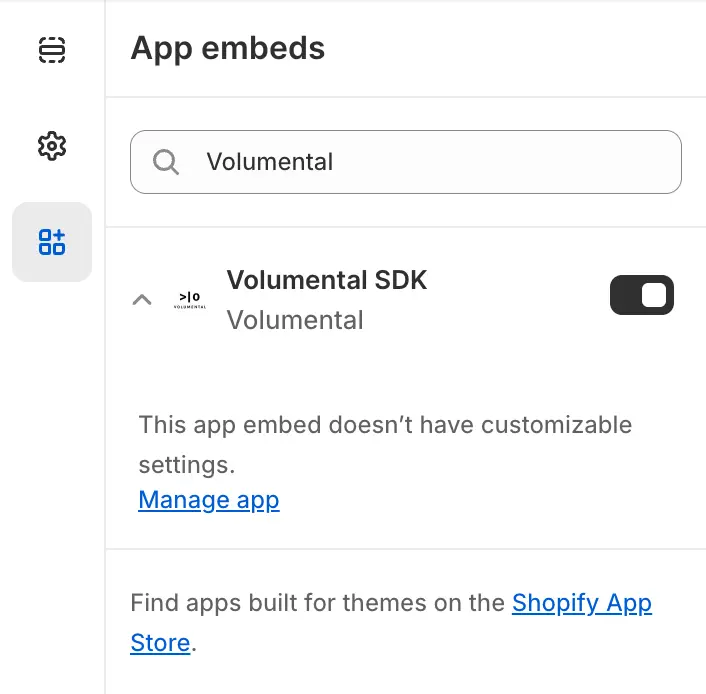
The SDK loads the code the Measurement Widget needs. Enabling it turns on the Volumental SDK App Embed in your live theme. Nothing changes on your storefront until you add the widget in step 2.Prefer to do it in the theme editor?
Open your theme editor and go to App embeds.Search for Volumental and turn on Volumental SDK.Save the theme, then refresh this page.